Tutorial: Catch Repeated Words With a Custom Rule
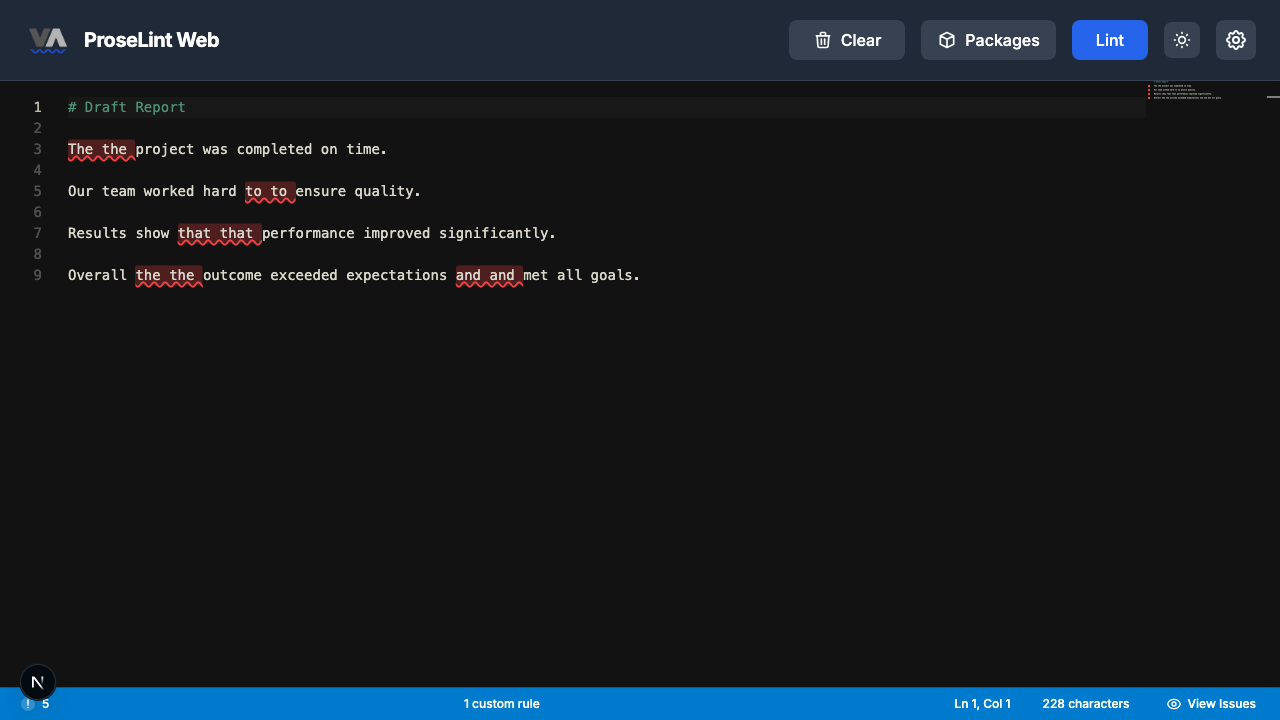
"The the" is one of the most common typos in writing — and one of the hardest to spot. Your eyes glide right over it, especially when the repeated word falls across a line break. Spell checkers won't flag it because each word is spelled correctly. You need a different kind of check.
In this tutorial you'll create a Catch Repetition rule that flags any word repeated back-to-back. Vale handles the pattern matching for you — no regex required.
What you'll build
A Catch Repetition rule named NoRepeatedWords with these settings:
| Setting | Value |
|---|---|
| Detection | Any repeated word (default) |
| Case sensitive | No |
| Letters and numbers only | Yes |
| Severity | Error |
When any word appears twice in a row ("the the," "is is," "to to"), Vale flags it as an error.
Prerequisites
Open the ProseLint Web editor in your browser. No account or installation required.
Step 1 — Open the Packages modal
Navigate to the editor and click the Packages button in the toolbar.

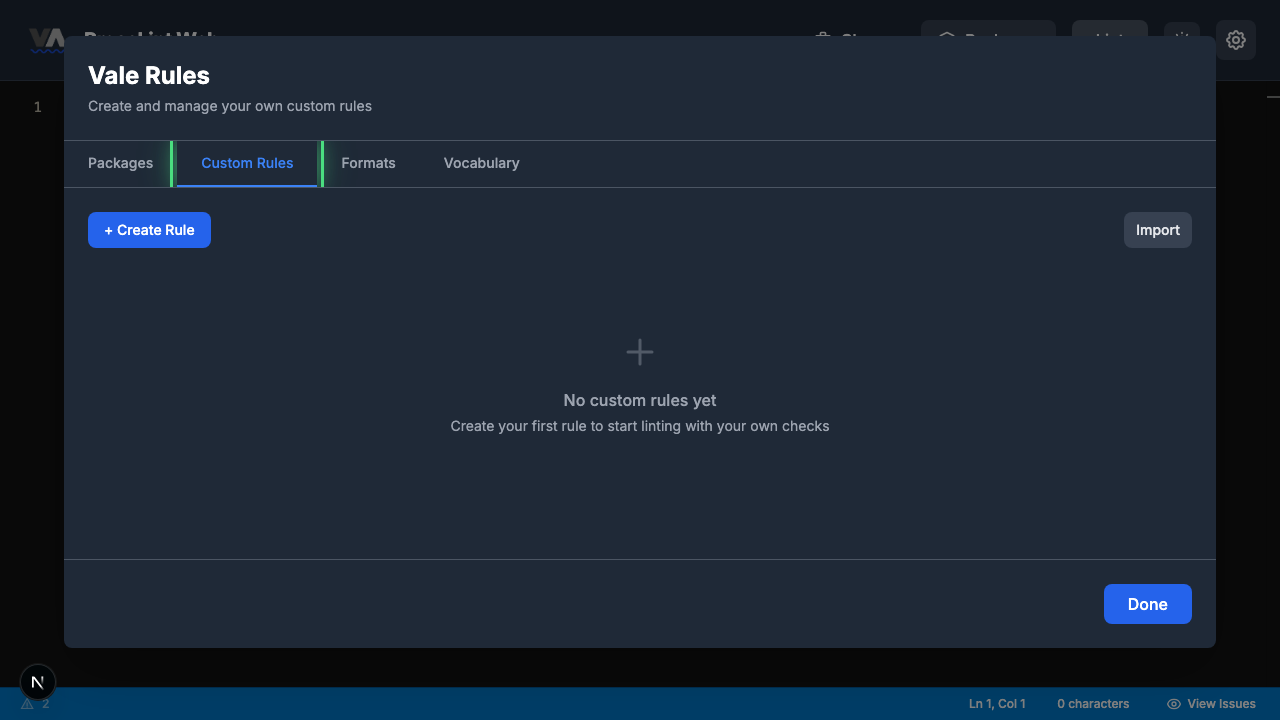
Step 2 — Switch to the Custom Rules tab
The Packages modal opens showing available style guide packages. Click the Custom Rules tab to switch to the rule management view.
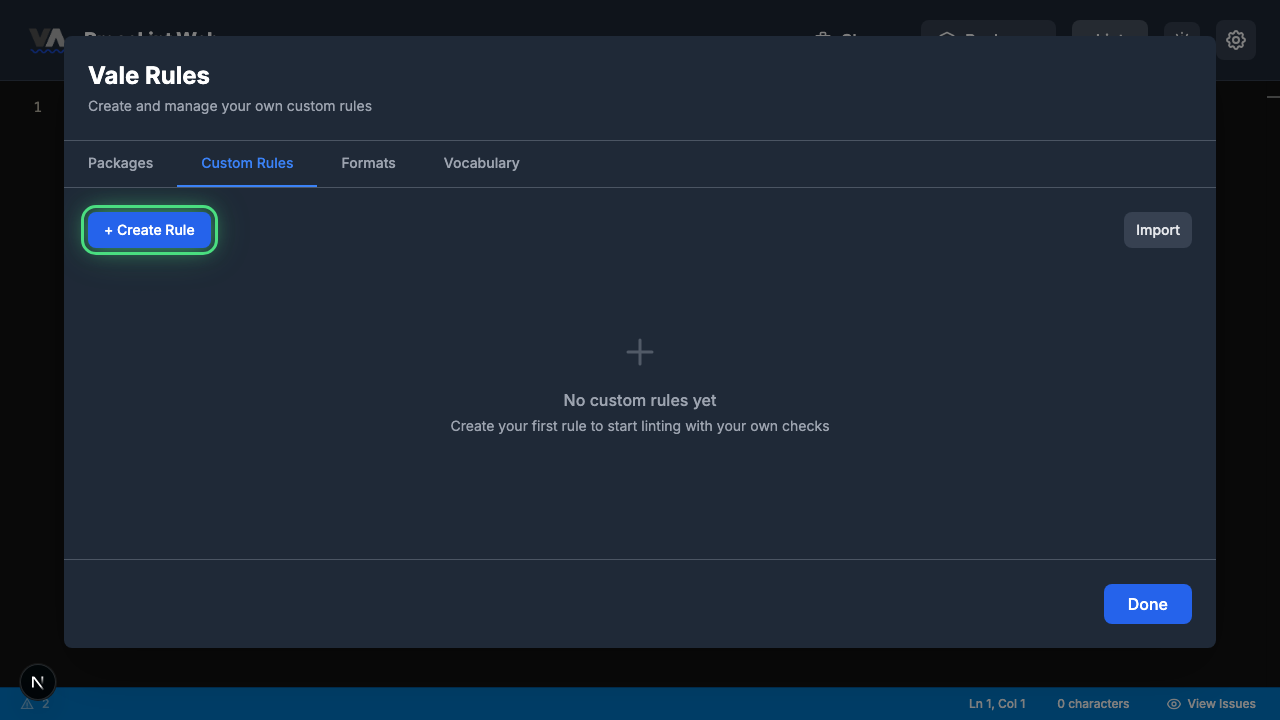
Step 3 — Create a new rule
Click + Create Rule to open the rule type picker.
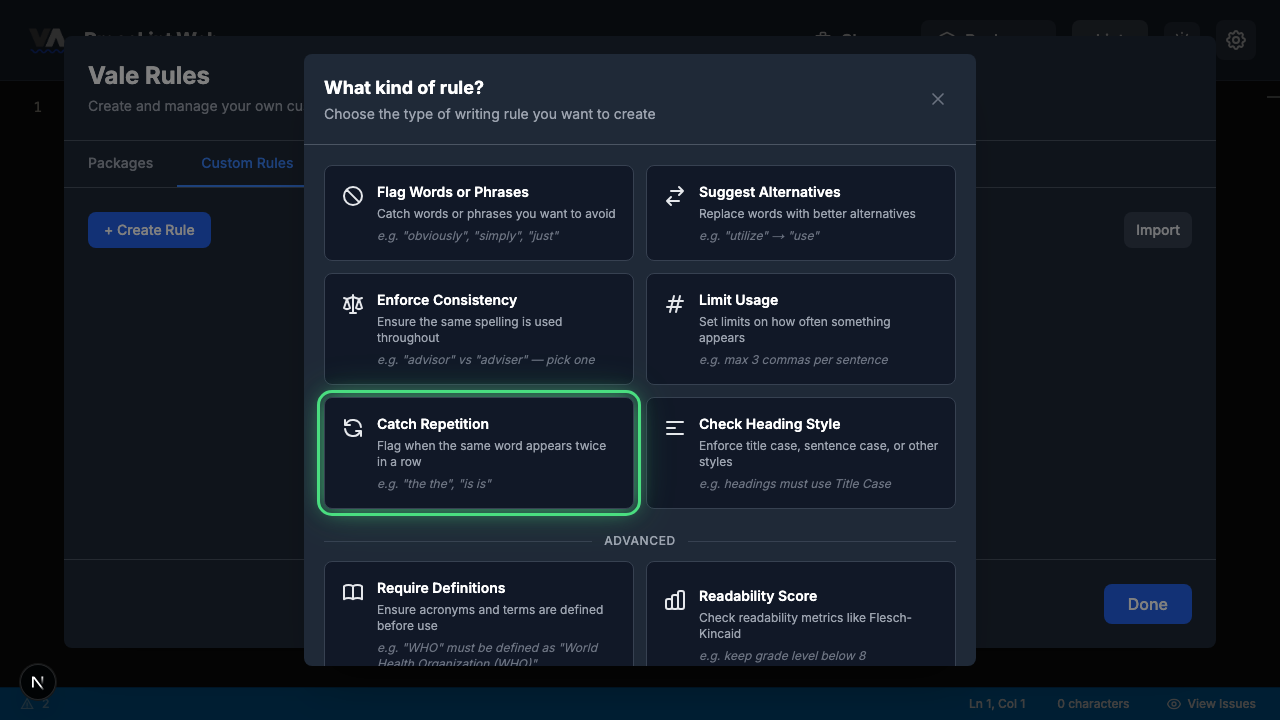
Step 4 — Pick "Catch Repetition"
The rule type picker shows all eight Vale check types. Click Catch Repetition — this rule type flags when the same word appears twice in a row.
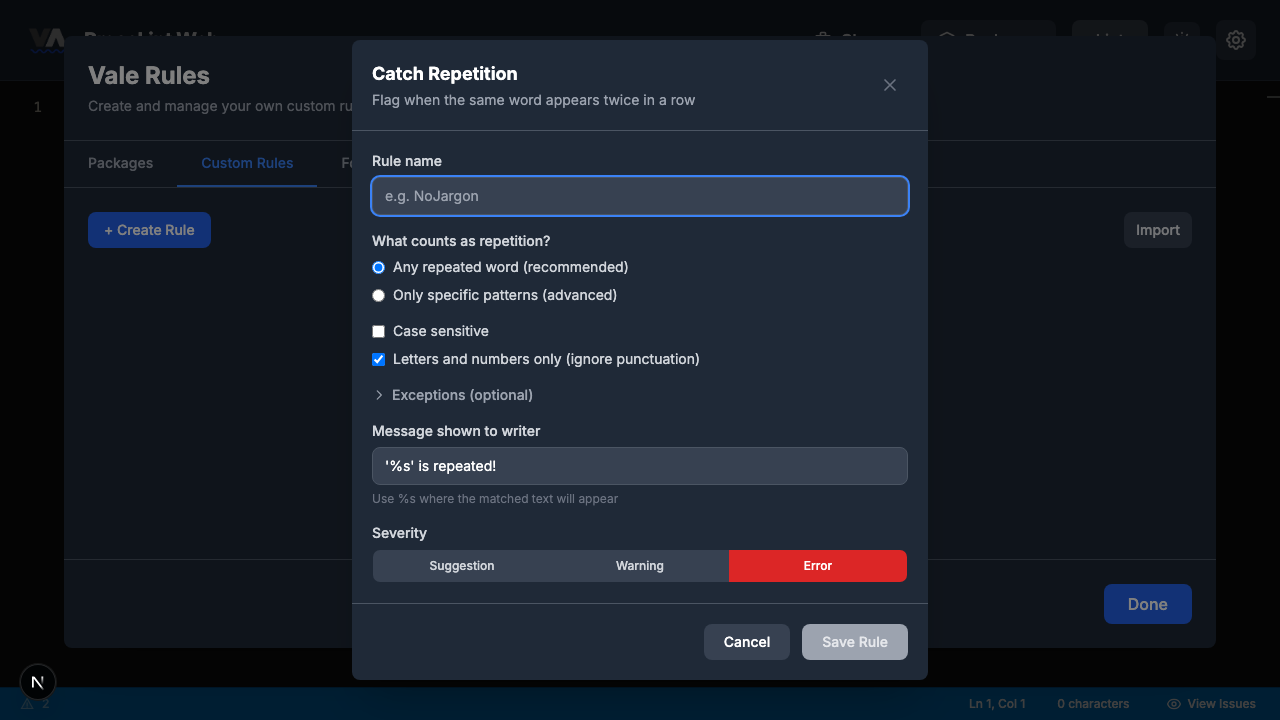
Step 5 — Review the rule builder form
The rule builder opens with sensible defaults already set. The form has these sections:
- Rule name — a unique identifier for your rule
- What counts as repetition? — "Any repeated word" (recommended) or "Only specific patterns" (advanced)
- Case sensitive — whether "The the" counts as a repeat (off by default, so it does)
- Letters and numbers only — ignore punctuation when detecting repeats (on by default)
- Exceptions — words that are OK to repeat (like "had had" or "that that")
- Message shown to writer — pre-filled with
'%s' is repeated! - Severity — defaults to error
Step 6 — Fill in the rule and save
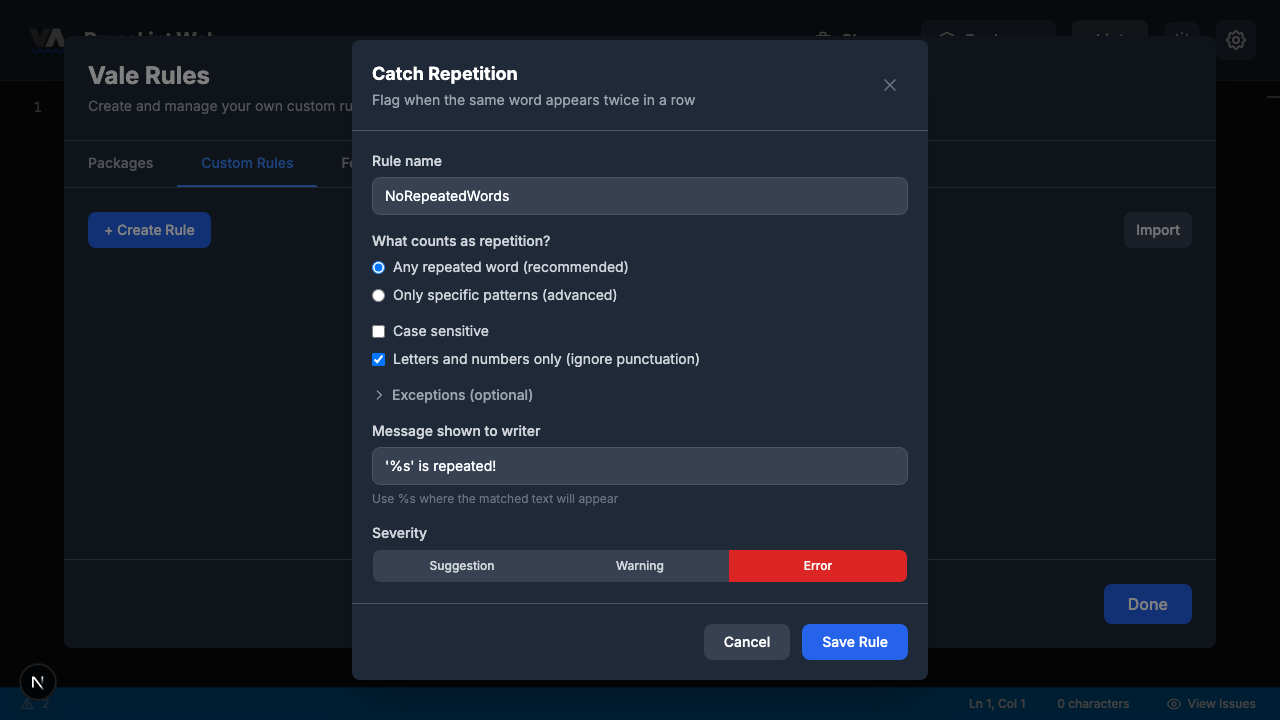
Enter NoRepeatedWords as the rule name. The defaults are already good:
- Detection: Any repeated word (recommended) — already selected
- Case sensitive: Unchecked — catches "The the" as well as "the the"
- Letters and numbers only: Checked — ignores punctuation
- Message:
'%s' is repeated! - Severity: Error
Click Save Rule.
Step 7 — Close the modal
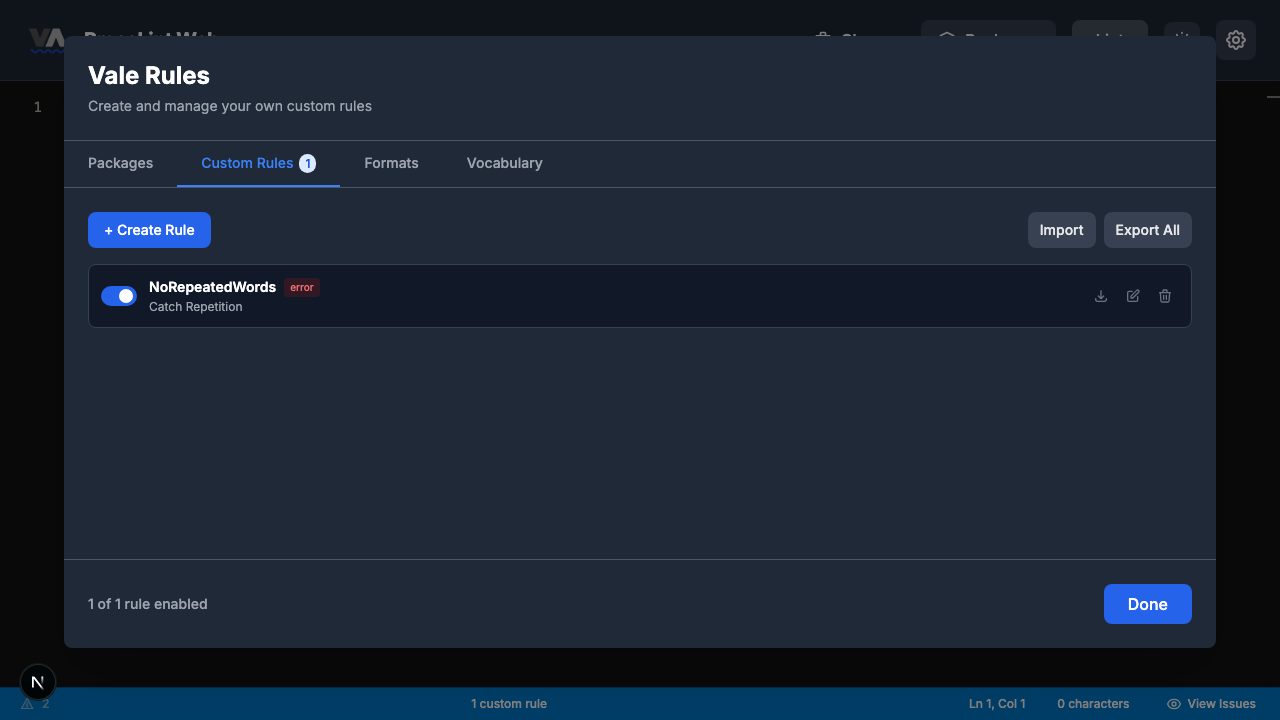
The rule is saved and appears in the Custom Rules tab. Click Done to close the modal and return to the editor.
Step 8 — Enter some text and lint
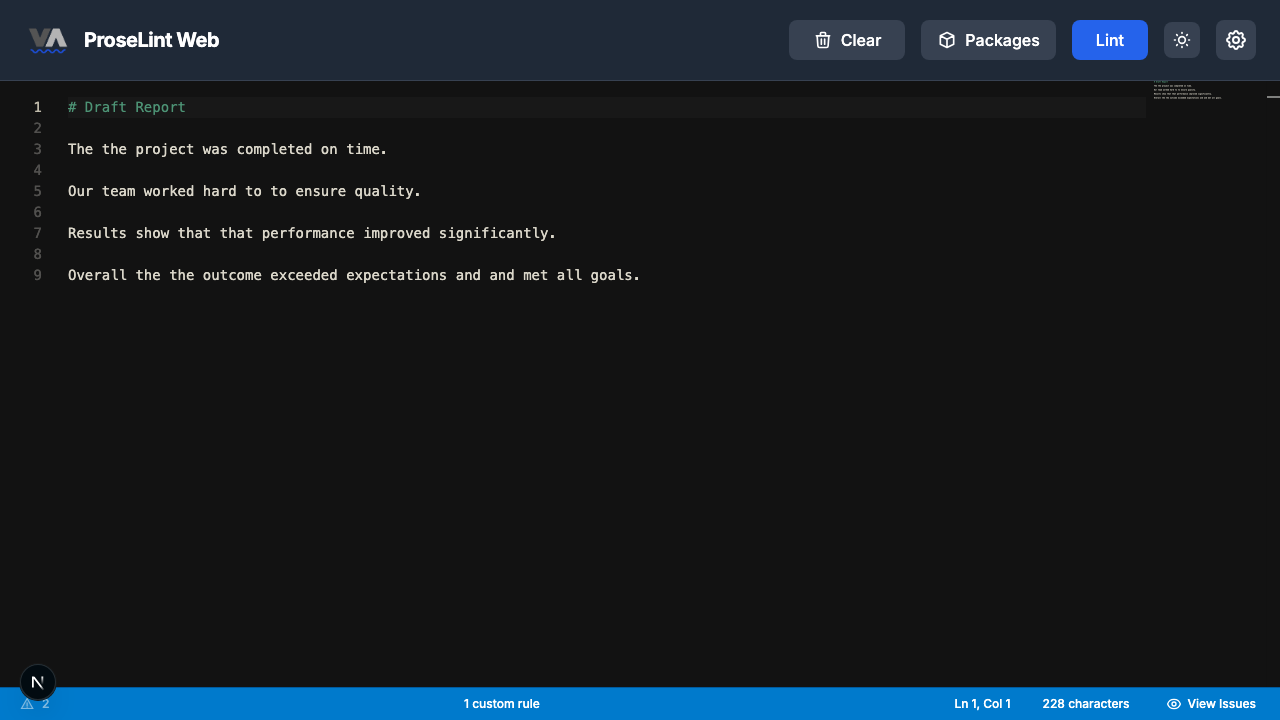
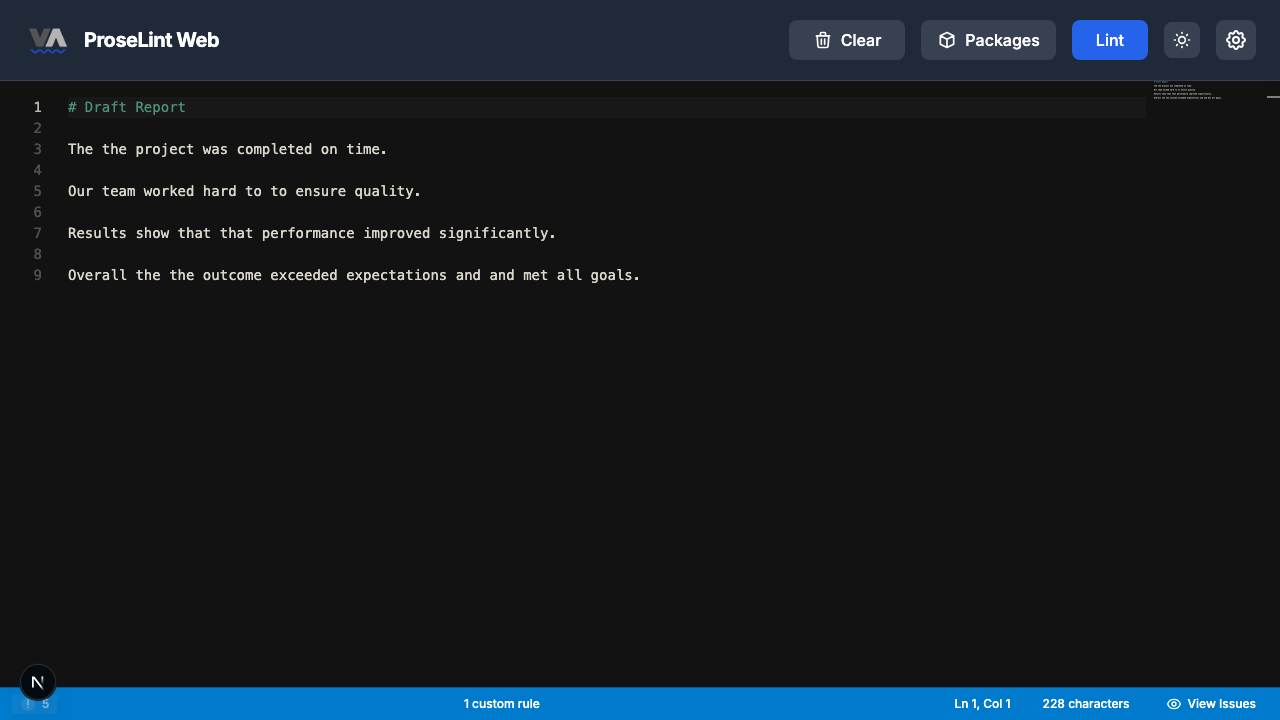
Paste this Markdown into the editor. It contains several common word-repetition typos:
# Draft Report

The the project was completed on time.

Our team worked hard to to ensure quality.

Results show that that performance improved significantly.

Overall the the outcome exceeded expectations and and met all goals.
Click the Lint button to run Vale.
Step 9 — Review lint results
After linting, Vale highlights each repeated word with red underlines. Five issues are flagged across the document — "The the" (twice), "to to", "that that", and "and and".
Step 10 — Review all issues
Click the issue count in the status bar. The panel lists every repeated word found:
- the — 'the' is repeated!
- to — 'to' is repeated!
- that — 'that' is repeated!
- and — 'and' is repeated!
All five repetitions were caught, including "The the" where the capitalization differed — case-insensitive matching handles that automatically.
When to add exceptions
Some repeated words are intentional. "Had had" is grammatically correct ("She had had enough"). "That that" can be valid too ("He said that that was fine"). If your writing legitimately uses these patterns, expand the Exceptions section in the rule builder and add them one per line.
Next steps
- Add exceptions — expand the Exceptions section and add words like "had" and "that" if needed.
- Export and share — click Export to download the rule as a
.ymlfile. - Combine with other rules — pair with a spell checker package for comprehensive error detection.
- Try other rule types — the custom rules overview covers all eight Vale check types.
Resources
- Tutorial: Flag Words or Phrases — ban specific words
- Tutorial: Suggest Alternatives — replace words with better options
- Tutorial: Enforce Consistency — catch inconsistent spelling
- Custom rules overview — all 8 rule types explained
- ProseLint Web editor — try it now
Lint your docs for free
Browser-based Vale linting. No install, no sign-up, 100% private.
Open ProseLint WebGet it reviewed without GitHub friction
Share docs PRs with anyone for review. GitHub account optional.
Try DraftView free