Tutorial: Check Readability Scores With a Custom Rule
Good writing is accessible writing. If your prose requires a college degree to understand, you've lost most of your audience. Readability formulas like Flesch-Kincaid measure how complex your sentences and vocabulary are, returning a U.S. grade level. A score of 8 means an eighth-grader can follow it — that's the sweet spot for most technical writing.
In this tutorial you'll create a Readability Score rule that flags any text scoring above grade level 8 on the Flesch-Kincaid scale. Long sentences with complex words will trigger warnings, while simple prose passes cleanly.
What you'll build
A Readability Score rule named ReadabilityCheck with these settings:
| Setting | Value |
|---|---|
| Readability formula | Flesch-Kincaid Grade Level |
| Flag when score is | above 8.0 |
| Severity | Warning |
When a section of text scores above grade level 8, Vale flags it with a warning.
Prerequisites
Open the ProseLint Web editor in your browser. No account or installation required.
Step 1 — Open the Packages modal
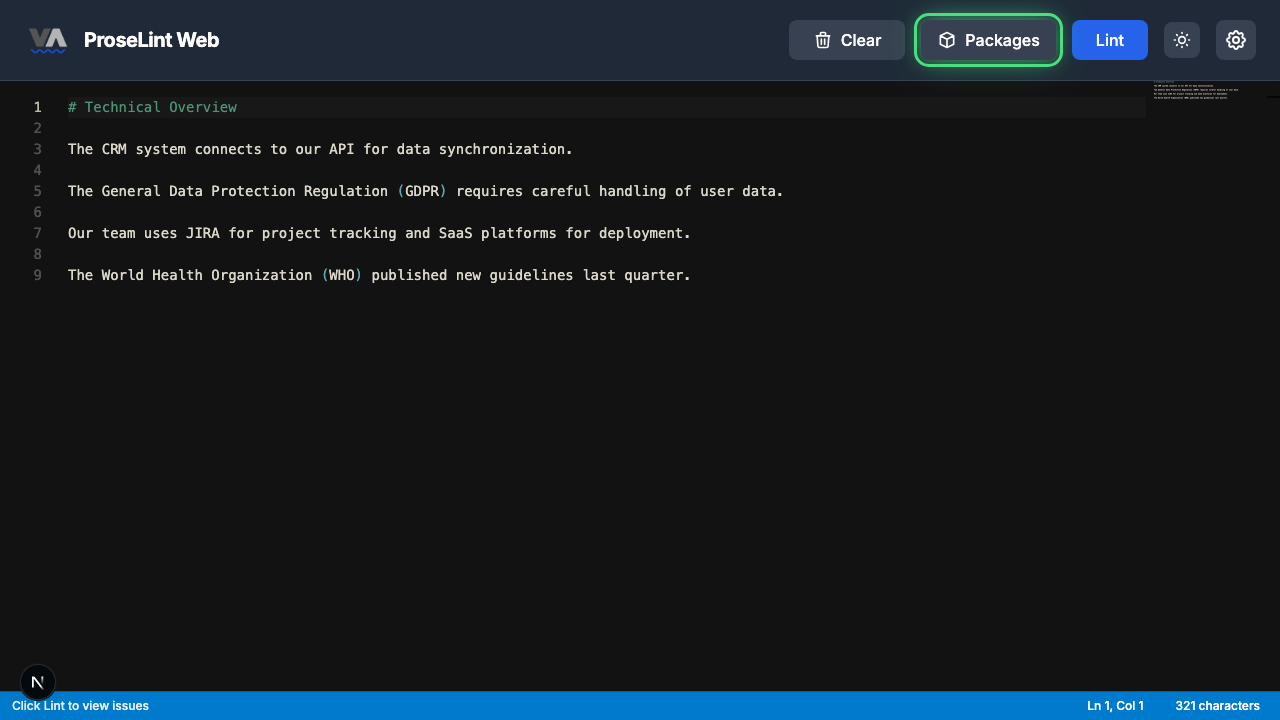
Navigate to the editor and click the Packages button in the toolbar.
Step 2 — Switch to the Custom Rules tab
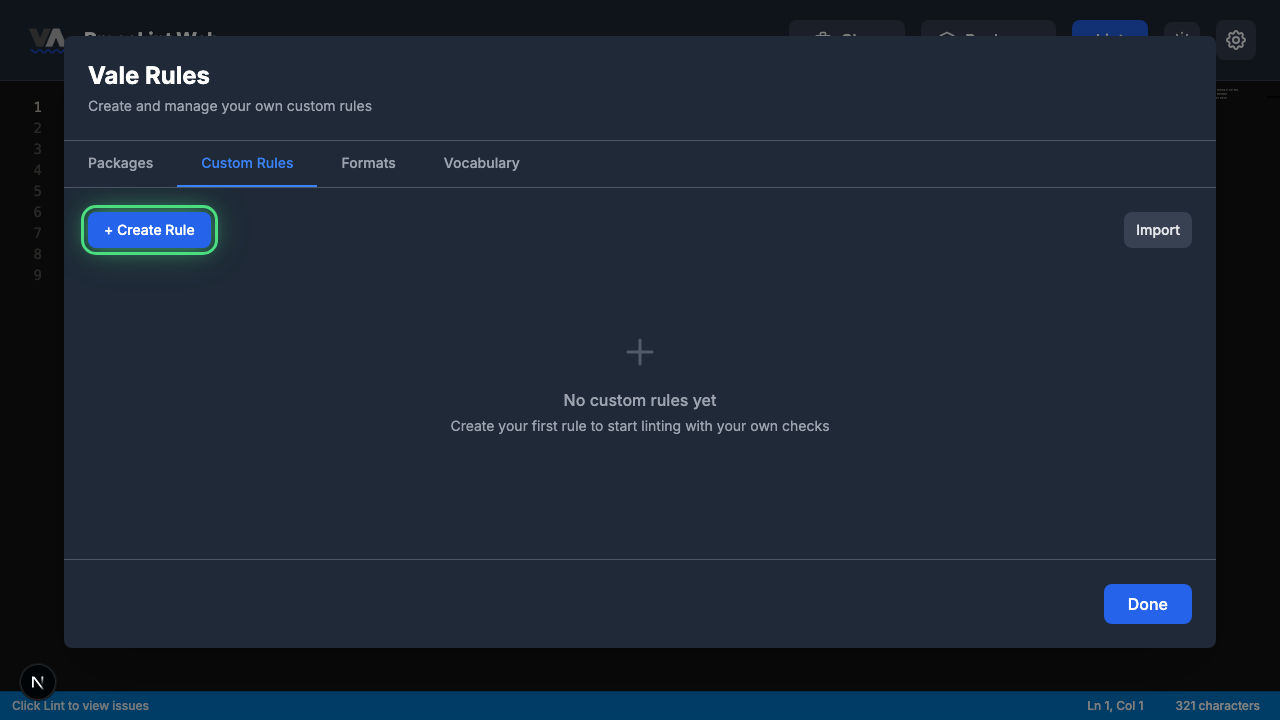
The Packages modal opens showing available style guide packages. Click the Custom Rules tab to switch to the rule management view.

Step 3 — Create a new rule
Click + Create Rule to open the rule type picker.
Step 4 — Pick "Readability Score"
The rule type picker shows all eight Vale check types. Click Readability Score — this rule type checks readability metrics and flags text that doesn't meet your threshold.

Step 5 — Review the rule builder form
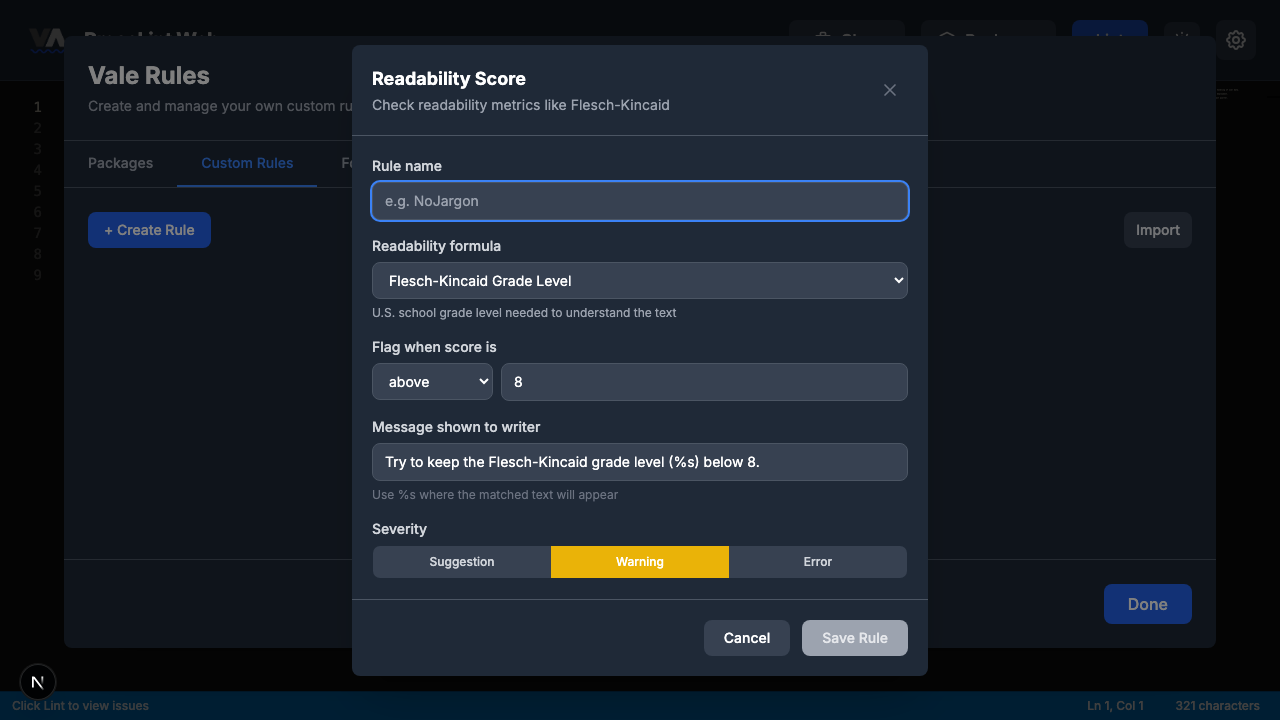
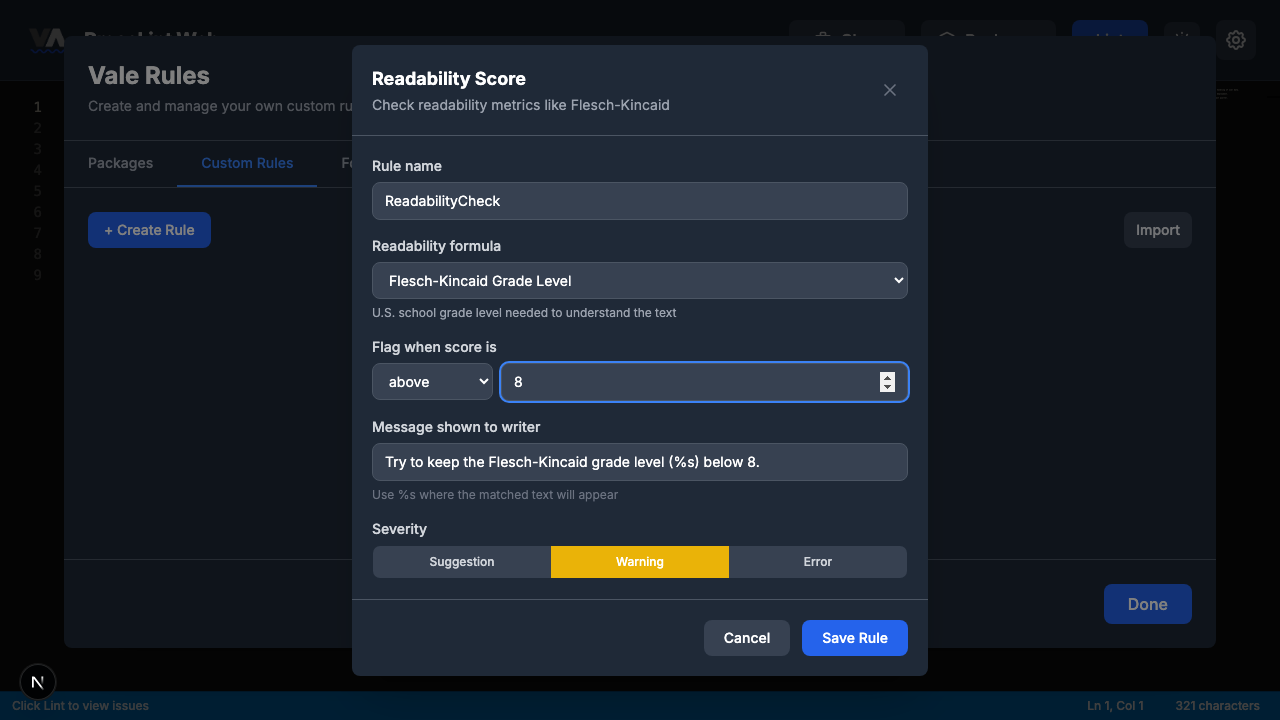
The rule builder opens with Flesch-Kincaid pre-selected. The form has these sections:
- Rule name — a unique identifier for your rule
- Readability formula — Flesch-Kincaid, Gunning Fog, Coleman-Liau, Automated Readability Index, SMOG Grade, or Custom
- Flag when score is — operator (above, below, etc.) and threshold value
- Message shown to writer — pre-filled with a formula-specific message
- Severity — suggestion, warning, or error
Step 6 — Fill in the rule and save
Enter ReadabilityCheck as the rule name. The defaults are already set for Flesch-Kincaid:
- Readability formula: Flesch-Kincaid Grade Level — already selected
- Flag when score is: above 8.0 — already set
- Message:
Try to keep the Flesch-Kincaid grade level (%s) below 8. - Severity: Warning
Click Save Rule.
Step 7 — Close the modal
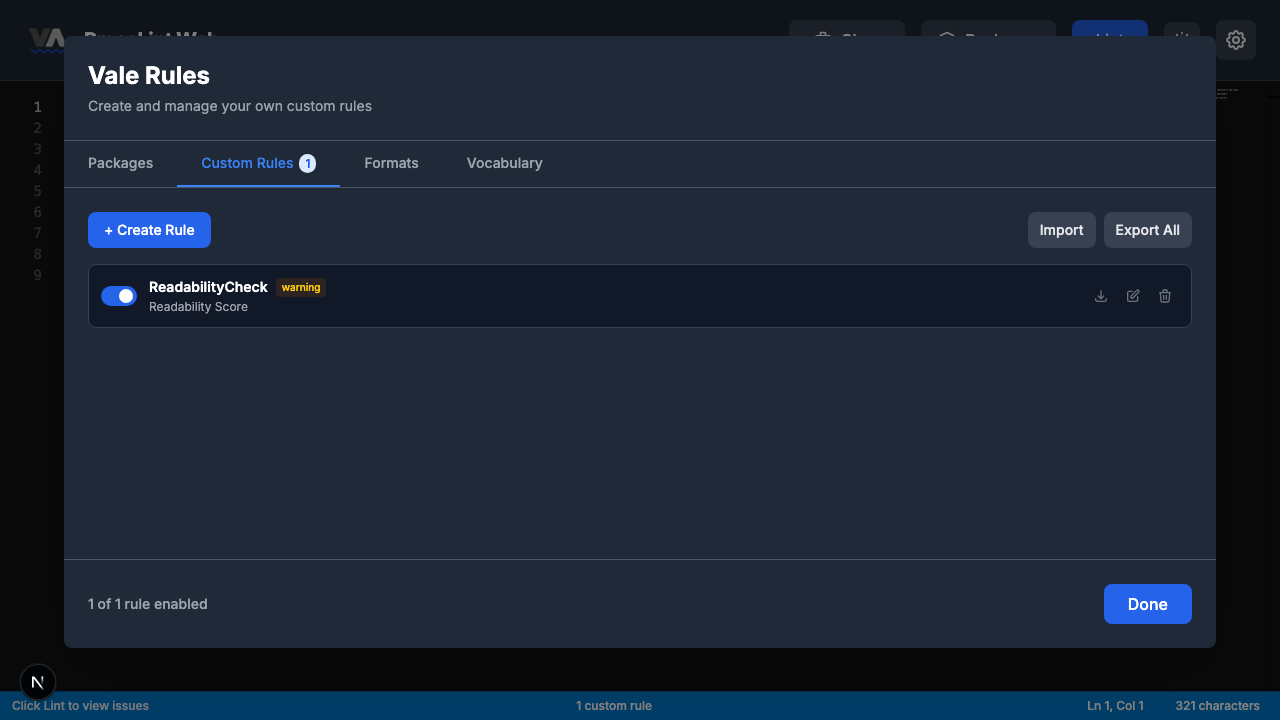
The rule is saved and appears in the Custom Rules tab. Click Done to close the modal and return to the editor.
Step 8 — Enter some text and lint
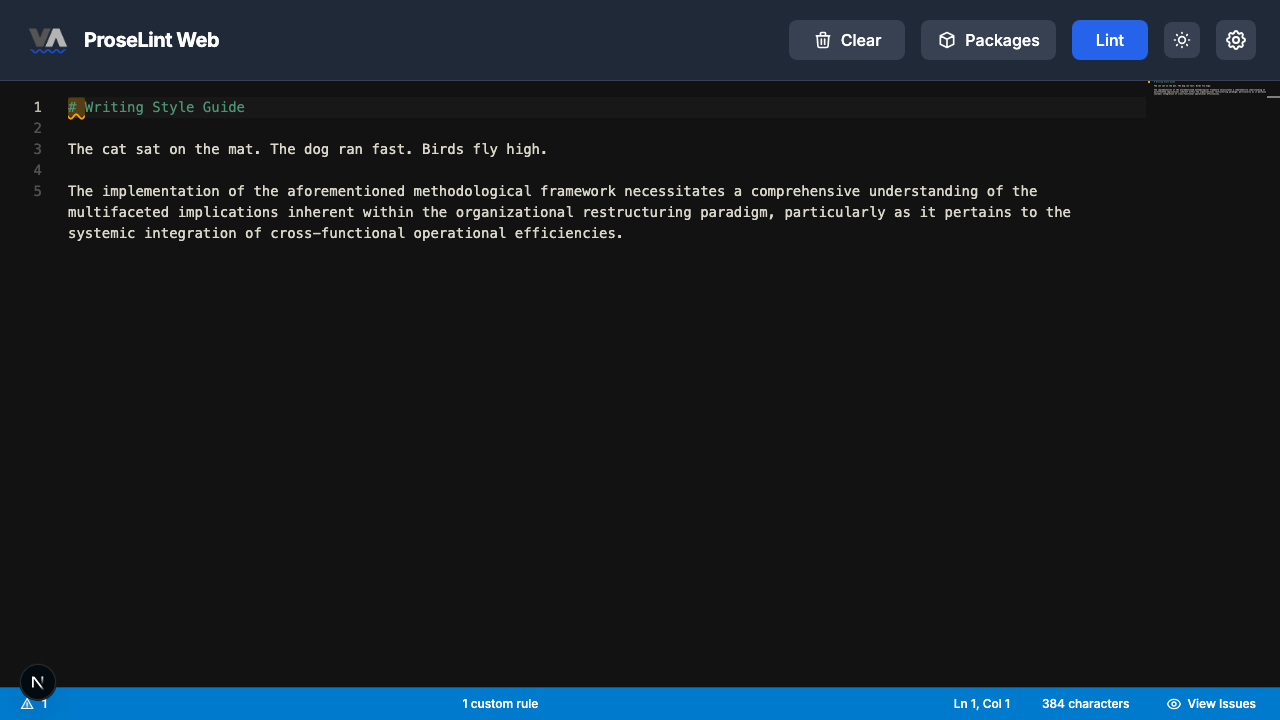
Paste this Markdown into the editor. The first paragraph is simple and clear; the second is deliberately complex:
# Writing Style Guide

The cat sat on the mat. The dog ran fast. Birds fly high.

The implementation of the aforementioned methodological framework
necessitates a comprehensive understanding of the multifaceted
implications inherent within the organizational restructuring paradigm,
particularly as it pertains to the systemic integration of
cross-functional operational efficiencies.
Click the Lint button to run Vale.
Step 9 — Review lint results
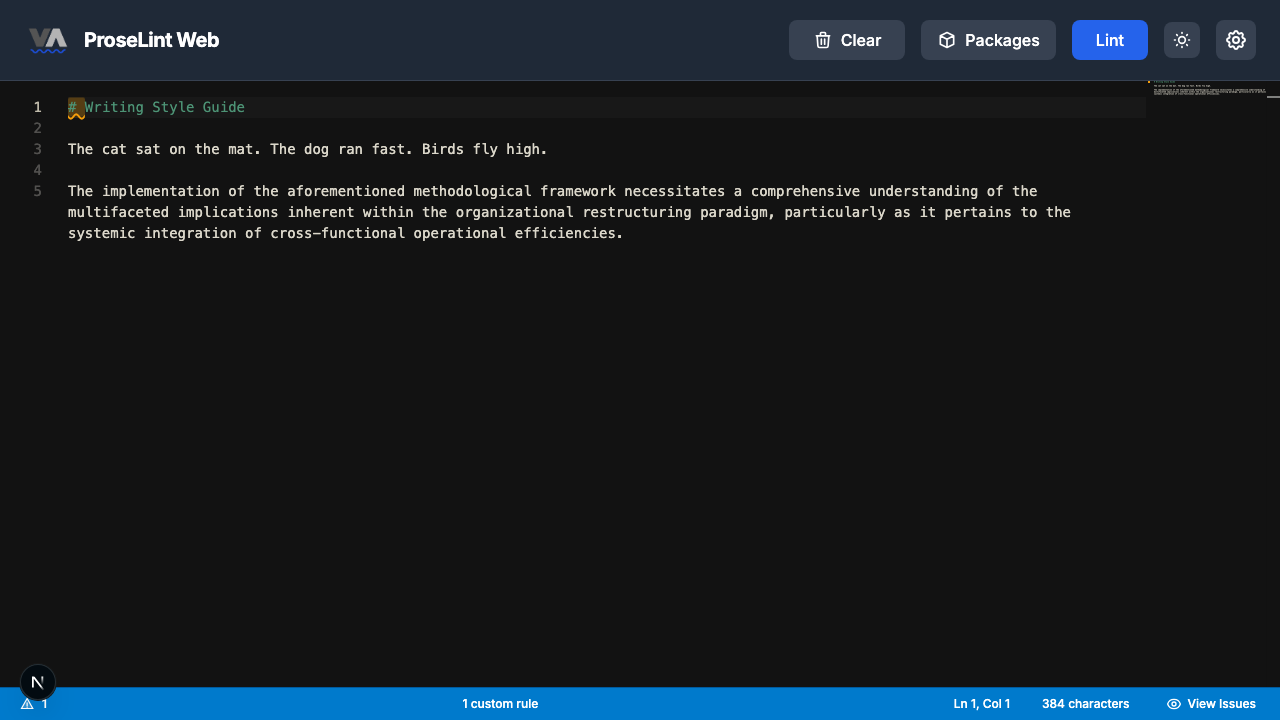
After linting, Vale flags the complex paragraph. The simple opening sentences pass cleanly, but the dense second paragraph scores well above grade level 8.
Step 10 — Review all issues
Click the issue count in the status bar. The panel shows the readability score for the flagged text:
- Try to keep the Flesch-Kincaid grade level (score) below 8.
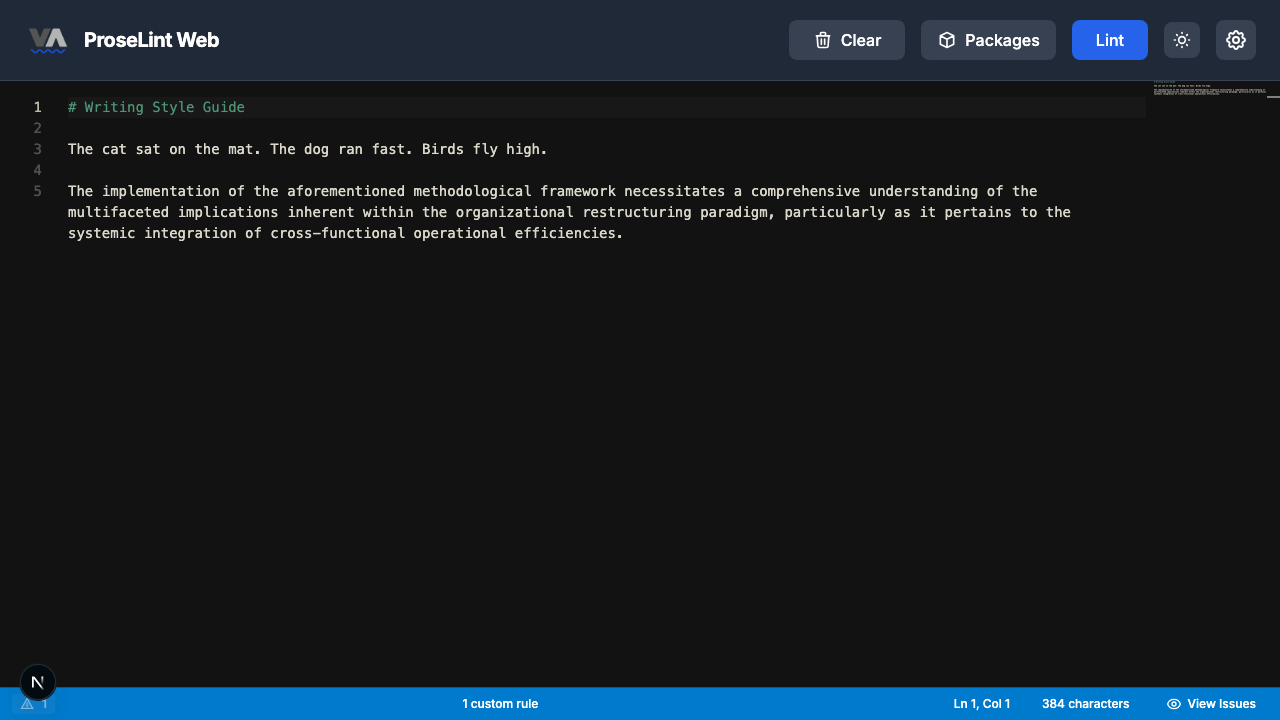
The simple sentences ("The cat sat on the mat") pass cleanly — their grade level is well below 8. The complex paragraph with words like "aforementioned," "methodological," and "restructuring" scores much higher and gets flagged.
Available readability formulas
The rule builder offers five built-in formulas:
| Formula | What it measures | Default threshold |
|---|---|---|
| Flesch-Kincaid | U.S. grade level | 8.0 |
| Gunning Fog | Years of education | 10.0 |
| Coleman-Liau | Grade level (character-based) | 9.0 |
| Automated Readability Index | Grade level (character/word counts) | 8.0 |
| SMOG Grade | Education level (polysyllabic words) | 10.0 |
You can also write a custom formula using variables like words, sentences, syllables, and characters.
Next steps
- Try other formulas — edit the rule and switch to Gunning Fog or SMOG Grade.
- Adjust the threshold — lower to 6.0 for consumer-facing docs, raise to 10.0 for academic writing.
- Export and share — click Export to download the rule as a
.ymlfile. - Combine with other rules — pair with a "Suggest Alternatives" rule to catch complex jargon alongside readability scoring.
- Try other rule types — the custom rules overview covers all eight Vale check types.
Resources
- Tutorial: Flag Words or Phrases — ban specific words
- Tutorial: Suggest Alternatives — replace words with better options
- Tutorial: Limit Usage — cap word repetition
- Custom rules overview — all 8 rule types explained
- ProseLint Web editor — try it now
Lint your docs for free
Browser-based Vale linting. No install, no sign-up, 100% private.
Open ProseLint WebGet it reviewed without GitHub friction
Share docs PRs with anyone for review. GitHub account optional.
Try DraftView free